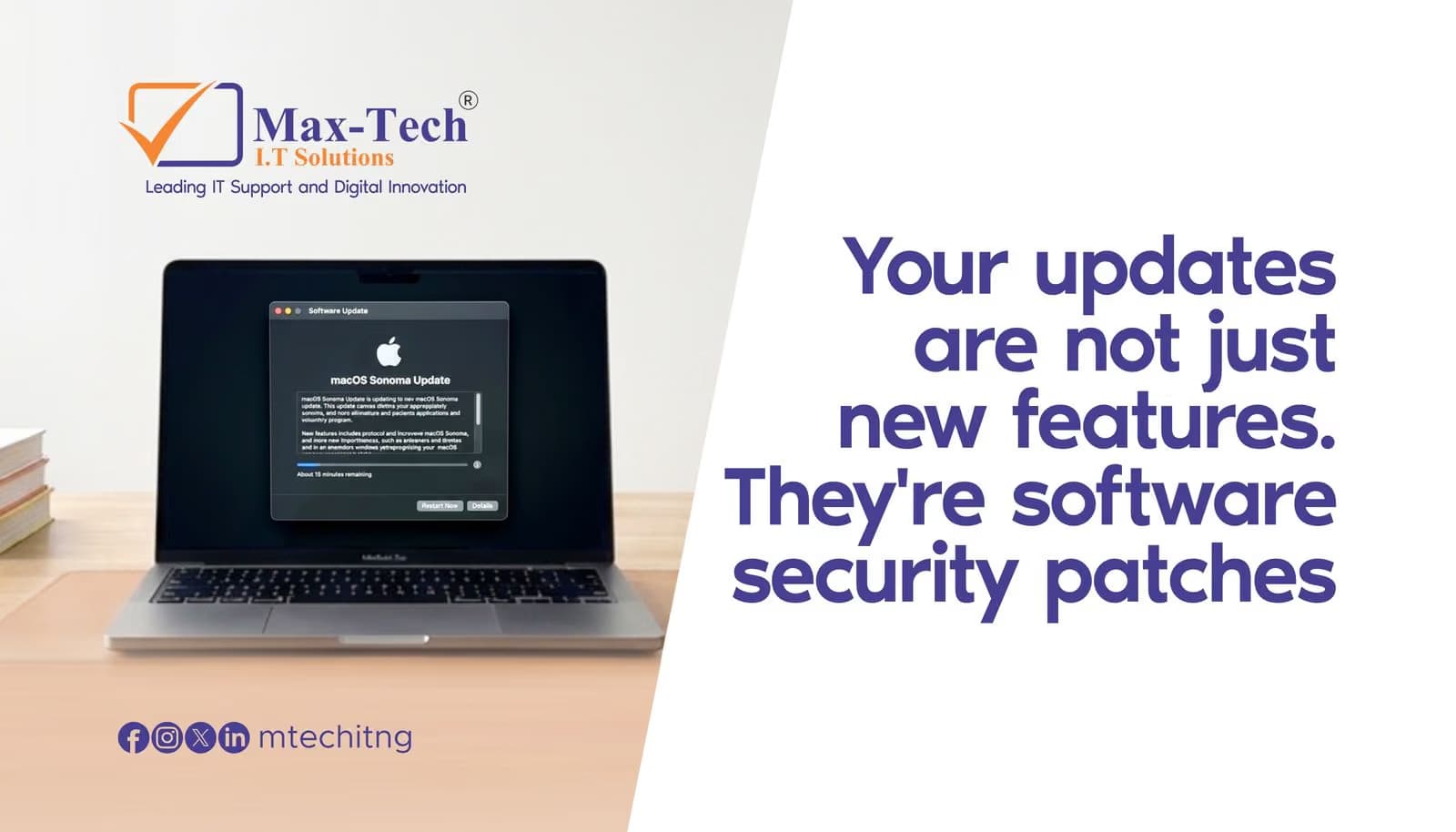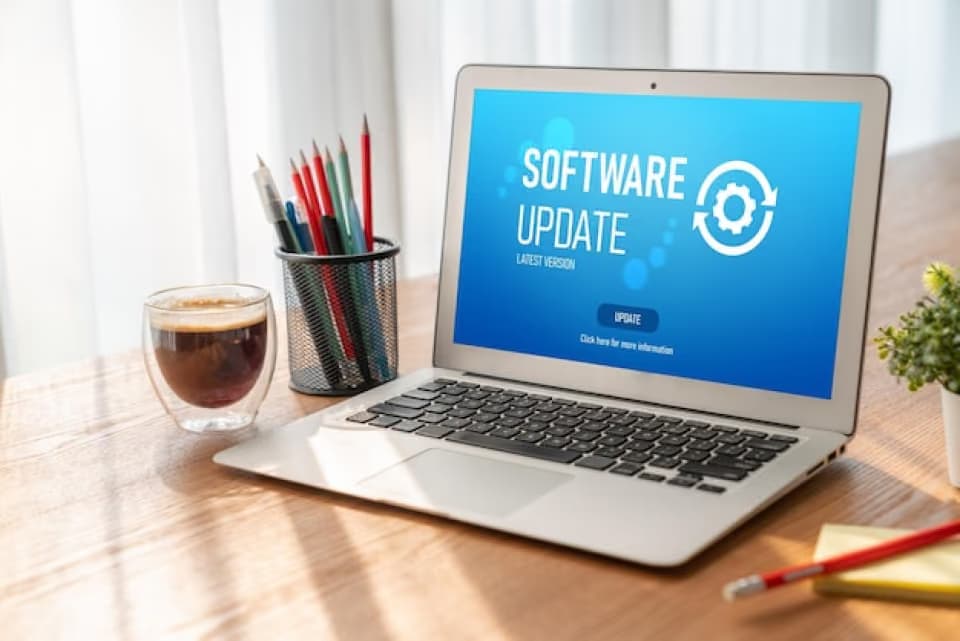

At Max-Tech I.T Solutions, we often see avoidable issues caused by outdated software. A few updates can make a big difference.
Improved Security.
Software updates often include critical security patches that protect your devices from malware, ransomware, and data breaches. Cybercriminals actively target systems running outdated versions.
Better Performance.
Updates fix bugs, optimize performance, and improve stability. If your device feels slow or crashes often, missing updates may be the cause.
New Features & Compatibility.
Keeping systems updated ensures compatibility with new applications, hardware, and services—helping your business or personal workflow run smoothly.
What You Should Update First.
- Operating Systems (Windows, macOS, Linux, Android, iOS).
- Applications & Software (Office tools, browsers, accounting software, design apps).
- Antivirus & Security Tools.
- Network Devices (routers, firewalls, switches, firmware).
Best Practices for Safe Updating.
- Backup important data before major updates.
- Enable automatic updates where possible.
- Schedule updates outside business hours.
- Avoid ignoring update notifications.
Start the Year Secure and Productive.
Beginning the year with updated systems reduces risks, saves time, and helps you focus on what matters most your work and growth.
If you’re unsure where to start or want professional help managing updates across your devices or business network, Max-Tech I.T Solutions is here to help.
Contact us today to ensure your technology is secure, efficient, and ready for the year ahead.