
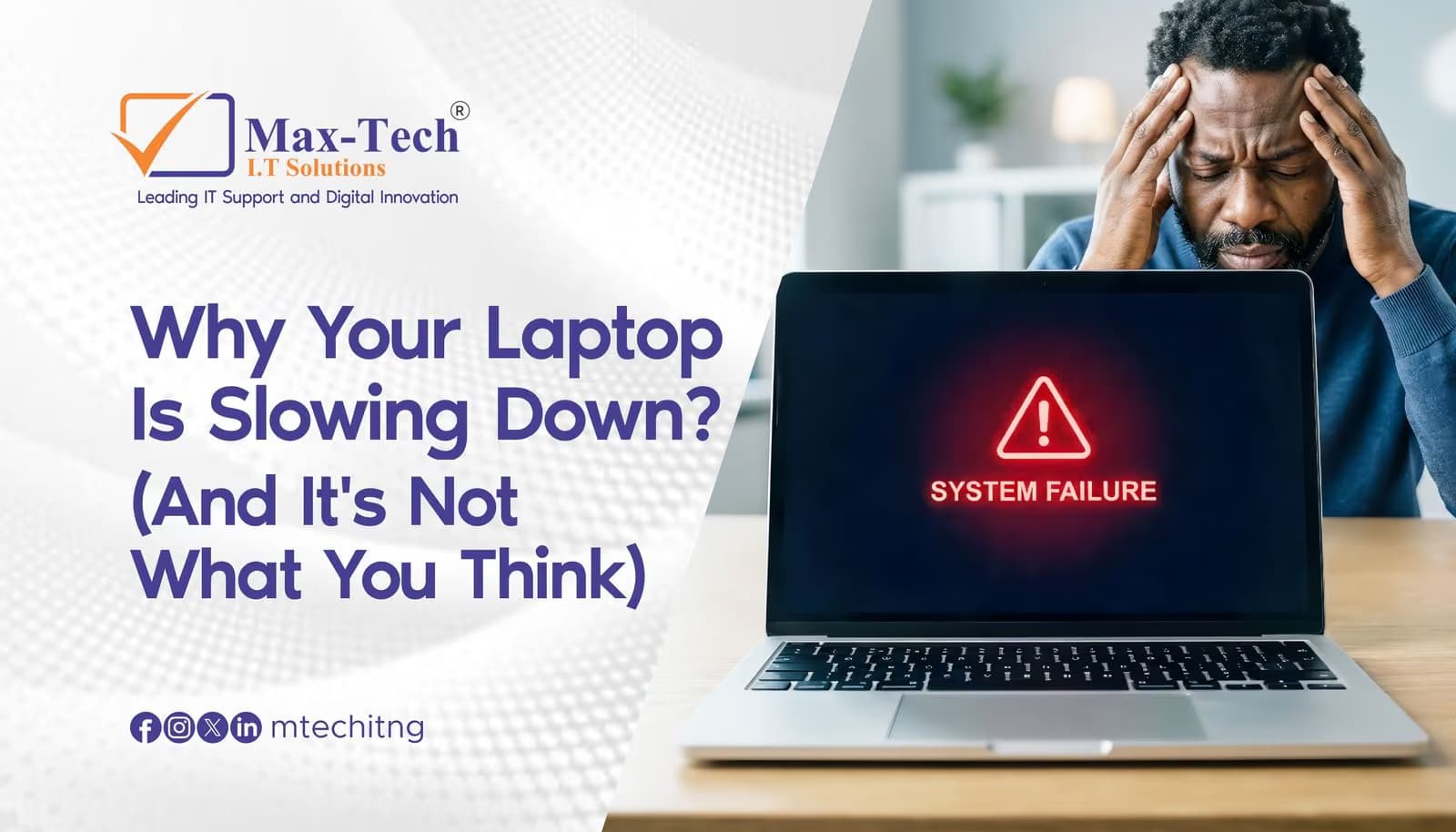

Most people assume a slow laptop means it's time for an upgrade.
But often, the real problem is something much simpler and much more preventable.
How dust affects your laptop
Every laptop relies on internal fans and a heatsink to keep its processor cool. Over time, dust settles on these components, blocking airflow.
When airflow is restricted, your system has to work harder to stay cool, which forces the processor to slow down (thermal throttling) just to avoid overheating.
The result? Sluggish performance, longer load times, and a laptop that feels like it's aged years in a matter of months.
Signs your laptop needs a clean-up.
1. Fans running loud
2. Random slowdowns or freezing.
3. Shorter battery life than usual.
4. Shorter battery life than usual.
Why this matters beyond speed
Left unchecked, prolonged overheating doesn't just slow your laptop down it puts stress on internal components over time, which can shorten their lifespan and lead to more expensive repairs down the line.
The fix is simpler than you think
A professional internal cleaning removes dust buildup from the fan and heatsink, restoring proper airflow and giving your laptop room to breathe again.
It's a small, affordable step that can add real years to your device's life.
At Max-Tech I.T Solutions, we handle device check-ups and internal cleaning as part of our IT support services.
If your laptop has been running hot or slow lately, don't wait until it's a full repair book a check-up today.