

Why Wiping Your Drive Is Important
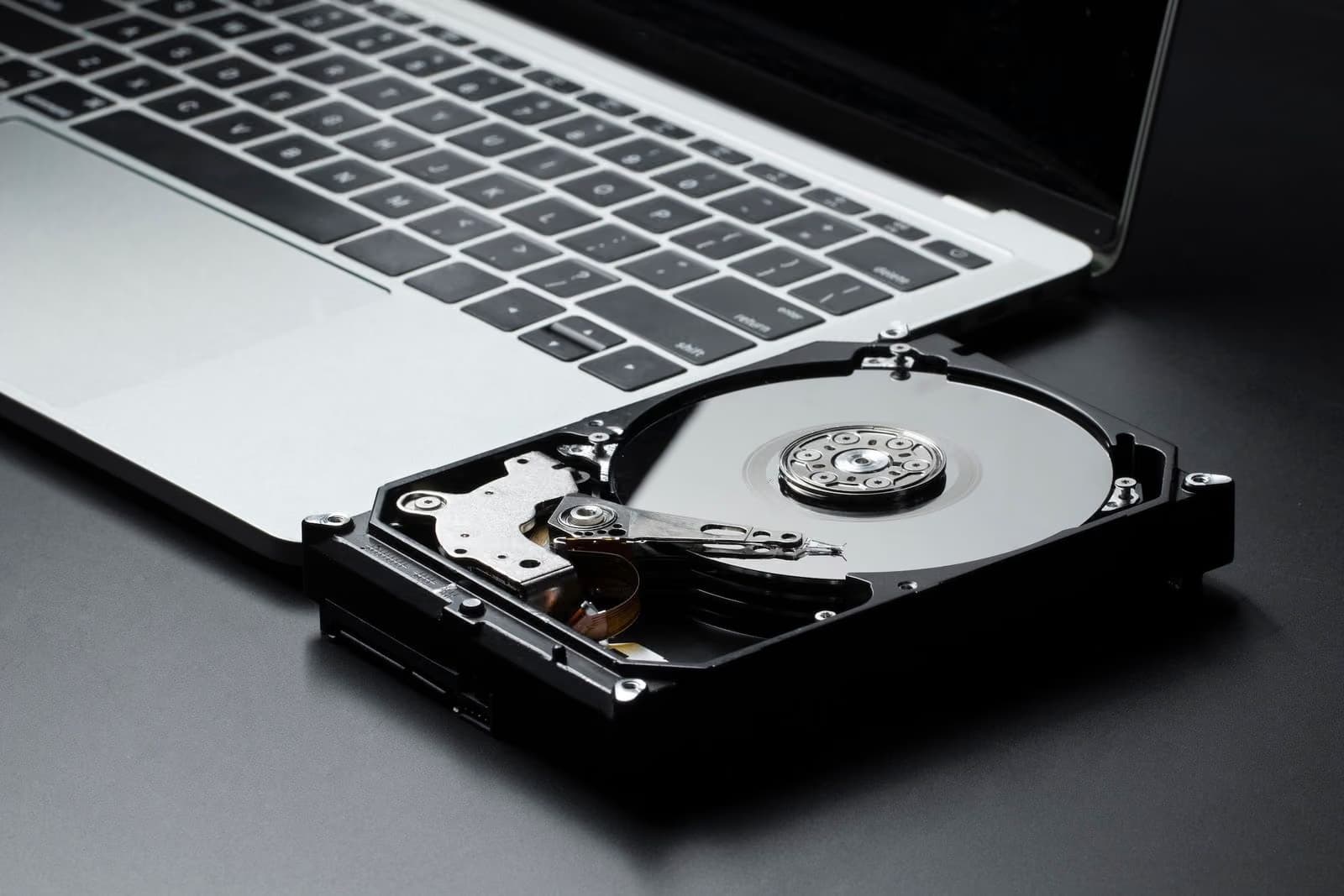
Your computer may still contain:
- Personal documents and photos
- Saved passwords and login credentials
- Banking or financial records
- Business files and confidential client data
- Email archives and browser history
Even after a basic reset, much of this information can still be recovered using specialized software unless the drive is securely erased.
When Should You Wipe Your PC?
You should perform a secure drive wipe if you are:
- Selling or gifting your computer
- Recycling or disposing of a damaged device
- Returning a leased or company-issued laptop
- Donating old systems to schools or organizations
- Upgrading and transferring to a new PC
Taking this extra step ensures your information does not fall into the wrong hands.
Professional Data Wiping Services.
While Windows provides reset options, professional data wiping ensures complete and irreversible removal of all data using industry-standard secure erase methods. This is especially important for businesses, organizations, and professionals handling sensitive information.
Max-Tech I.T Solutions offers:
Secure data wiping and certified drive erasure
Data backup before system disposal
Laptop and desktop upgrade support
Hardware diagnostics and repair services
System setup and migration to new devices
Protect Your Data Before Disposal
Before getting rid of your Windows PC, always make sure your files are backed up and the storage drive is securely wiped. Taking this precaution helps prevent identity theft, data leaks, and unauthorized access to personal or business information.
Contact Max-Tech I.T Solutions
Need help securely wiping your device or preparing it for resale or disposal? Our technicians are ready to assist.
📞 +234 903 050 5693
📧 sales@mtechitng.net
🌐 https://mtechitng.net
Secure your data. Protect your privacy.
Trust Max-Tech I.T Solutions for professional device support.