
Good news: your computer is actually trying to tell you something. And the sooner you listen, the better your chances of preventing a total breakdown.
At Max-Tech I.T Solutions, we specialize in diagnosing problems before they get worse. Here’s how to understand what your computer might be saying — and what you can do about it.
1. “I’m Overheating!”
What You’ll Notice:
- Loud or constantly running fan
- Sudden shutdowns during use
- Laptop feels unusually hot
What It Means:
Overheating is often caused by blocked air vents, dust buildup, or too many background tasks. If ignored, it can cause serious hardware damage.
What to Do:
- Use your laptop on a hard, flat surface (not your bed or lap)
- Clean air vents regularly
- Use a cooling pad
- Let Max-Tech perform a full internal cleaning
2. “I’m Slowing Down!”
What You’ll Notice:
- Long boot-up times
- Apps take forever to open
- Freezing or lag when switching between tabs
What It Means:
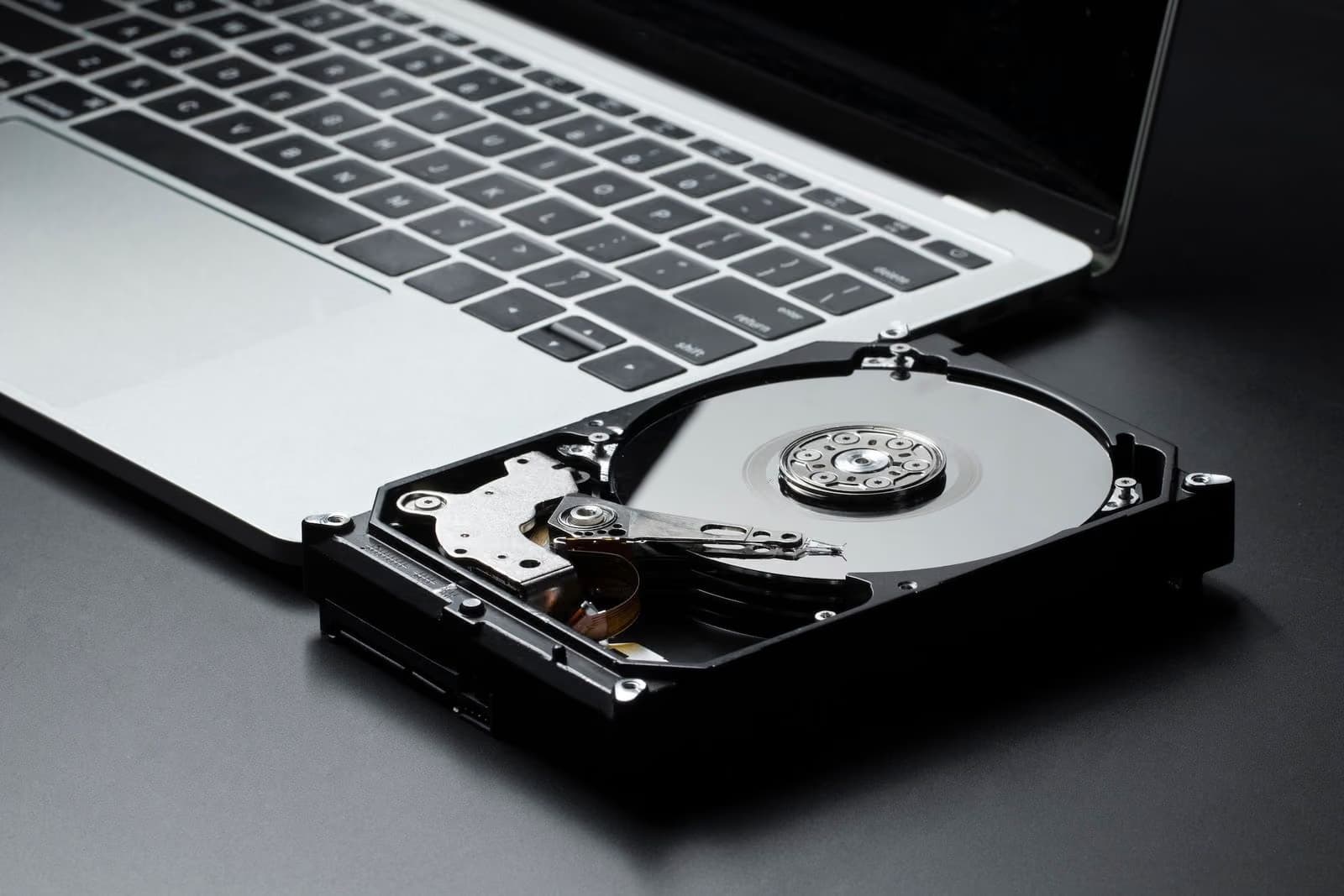
Your system might be low on memory (RAM), struggling with an outdated hard drive, or overloaded with background processes or malware.
What to Do:
- Close unnecessary tabs and programs
- Upgrade your RAM or switch to an SSD
- Remove startup bloatware
- Scan for viruses
- Let Max-Tech do a full performance tune-up
3. “My Hardware Is Failing!”
What You’ll Notice:
- Blue screen errors (BSOD)
- System crashes or restarts randomly
- Certain keys, ports, or your screen stop working
What It Means:
You could be facing hardware failure — RAM, hard drive, or motherboard problems are usually the culprits.
What to Do:
- Back up important files immediately
- Run hardware diagnostics
- Bring it in to Max-Tech for a complete check and repair
4. “I Have a Virus!”
What You’ll Notice:
- Annoying pop-ups
- Apps appear that you didn’t install
- Files missing or corrupted
- Slower performance than usual
What It Means:
Your system may be infected with malware, spyware, or ransomware. These not only slow your computer but also put your data at risk.
What to Do:
- Disconnect from the internet
- Run a deep antivirus scan
- Avoid clicking suspicious links
- Visit Max-Tech for a professional malware cleanup
5. “I’m Running Out of Space!”
What You’ll Notice:
- Constant low storage alerts
- Inability to install updates or new programs
- Search and loading times drag
What It Means:
Your hard drive is full, fragmented, or beginning to fail. A cluttered drive slows your system and can corrupt files.
What to Do:
- Delete unused files and programs
- Empty your Recycle Bin
- Store large files in the cloud or on external drives
- Upgrade to a higher-capacity SSD with Max-Tech
6. “I’m Too Old for This...”
What You’ll Notice:
- Incompatibility with newer apps or systems
- No more software updates available
- Cracked screen, broken hinges, or failing battery
- Frequent crashes or freezes despite fixes
What It Means:
Your laptop or desktop may have reached the end of its life cycle. Parts wear out over time, and newer software requires more resources.
What to Do:
- Consider upgrading key components (RAM, SSD)
- If outdated beyond repair, start planning for a replacement
- Let Max-Tech help you transfer data and recommend a suitable new device
- Don’t Ignore the Signs — Act Early
Your computer can’t speak, but it always gives signs when something’s not right. The longer you wait to respond, the more damage (and cost) you risk. Think of these signs as early warnings — not just annoyances.
At Max-Tech I.T Solutions, we’re experts at translating what your computer is trying to tell you. Whether it needs a cleanup, a part replaced, or a complete upgrade, we’ve got you covered.