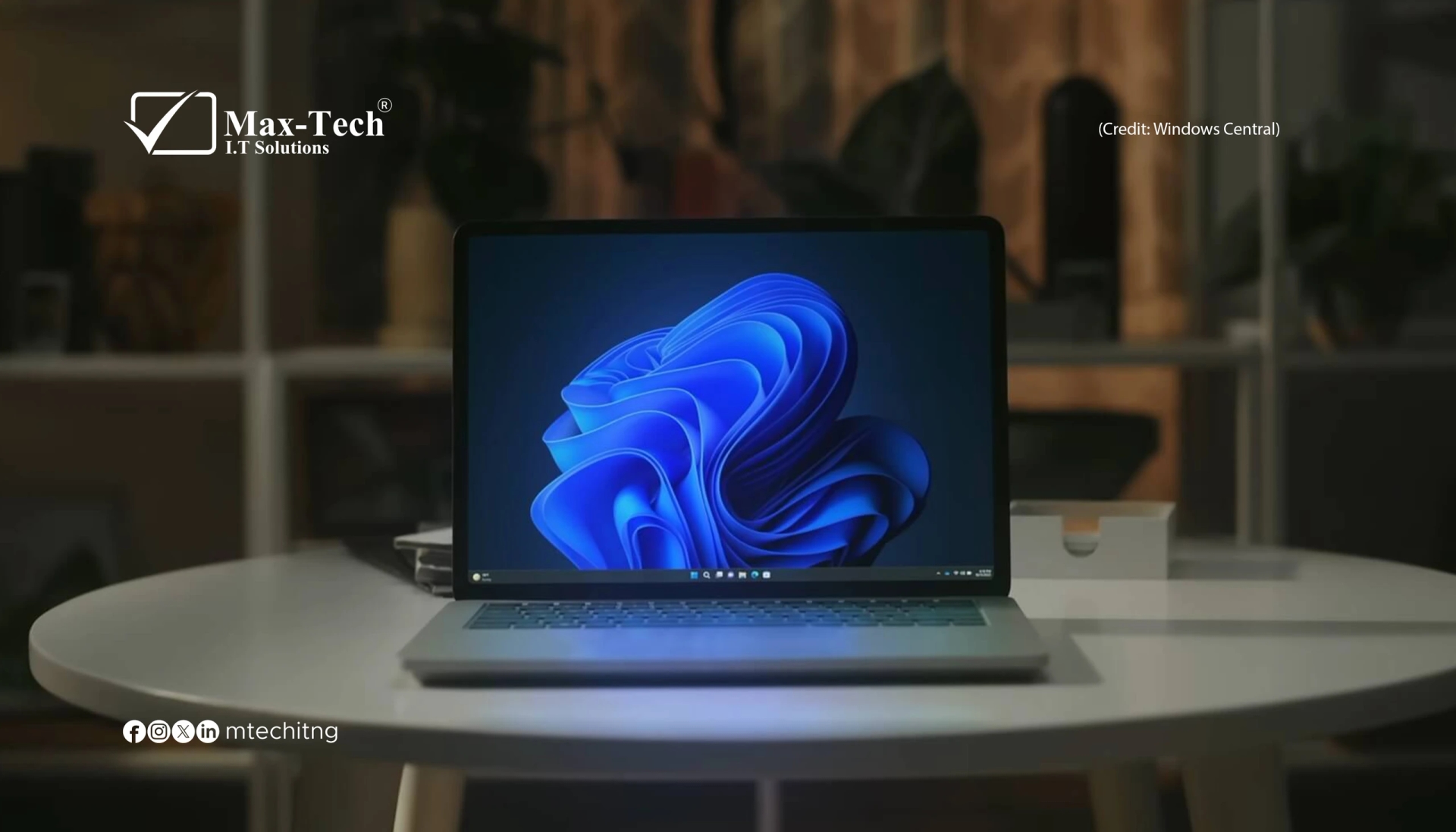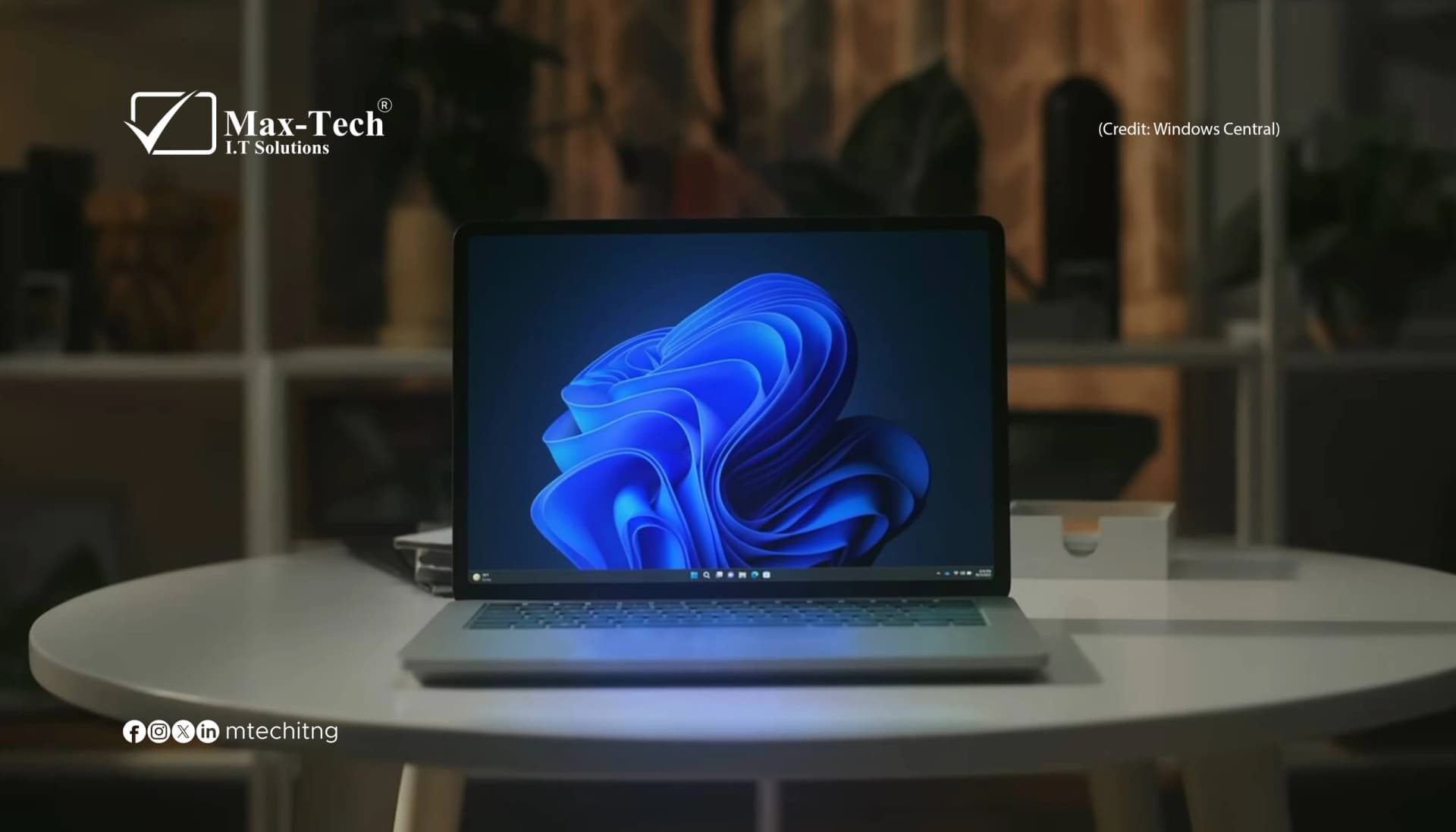

The September 2026 update, KB5124010, applies to Windows 11 versions 24H2, 25H2, and 26H2. It introduces several usability improvements designed to make everyday computing more convenient. https://support.microsoft.com/en-us/servicing/os/windows-11/2026/09/kb5124010-windows-11-24h2-25h2-update
1. A Better File Explorer
File Explorer receives several practical improvements. Windows now handles downloaded file previews more flexibly. HTML files display a warning with a Preview anyway option, while supported non-HTML files, including PDFs, can be previewed automatically. File Explorer Home also remembers whether sections were expanded or collapsed, making it easier to return to your preferred layout. Cloud file thumbnails and the Details pane have also been improved.
2. More Touchpad Controls
Laptop users get additional precision touchpad gestures. The update introduces single-finger scrolling from the left or right edge of compatible touchpads, alongside automatic scrolling that continues when your finger moves near the touchpad's edge. These changes can make navigating long documents, websites, and other content more convenient.
3. Improved Accessibility
Microsoft has introduced an Open apps maximized setting that automatically opens application windows in a maximized state.
To enable it, go to:
Settings → Accessibility → Visual effects → Open apps maximized; The update also refreshes the Magnifier toolbar with updated icons and spacing while retaining its existing zoom controls and keyboard shortcuts.
4. New Emoji and Personalization Options
Windows 11 adds support for Emoji 17.0, introducing new emojis and refining the appearance of several existing designs. Press Windows + . to open the emoji panel. Personalization improvements include better desktop background previews, support for DIB image files as wallpapers, and improved slideshow behavior across multiple virtual desktops.
5. More Control Over the Copilot Key
Some Windows 11 computers include a dedicated Copilot key. The update introduces an option to remap that key to function as either the Right Ctrl key or the Context Menu key. This helps users retain familiar keyboard shortcuts and workflows. The available options depend on the device and installed Windows update.
6. Improved Settings and Bluetooth
Microsoft has made several refinements to the Settings application, including improvements to printer configuration, installed app version information, time-format controls, and camera settings. The update also improves Bluetooth navigation and reliability for compatible audio accessories. Eligible users can enable Camera Roll backup through Settings and configure photo backup with OneDrive.
How to Download the Windows Update
If you are using a supported version of Windows 11, follow these steps:
- Open Settings.
- Select Windows Update.
- Click Check for updates.
- Install available updates.
- Restart your computer if prompted.
Microsoft distributes some features gradually, so not every device receives every feature at the same time. For official details, visit the Windows 11 KB5124010 update page.
Should You Install the Update?
For most supported Windows 11 users, keeping Windows updated is important for security, reliability, and compatibility.
Before installing a major update, back up important files and ensure you have enough free storage. Business users should also consider application compatibility and deployment requirements. Note that Windows 11 version 24H2 Home and Pro reached the end of support on October 13, 2026. Users on those editions should plan to move to a supported release to continue receiving updates. https://learn.microsoft.com/en-us/windows/release-health/windows11-release-information
Final Thoughts
The latest Windows 11 improvements focus on making everyday tasks easier, from browsing files and navigating with a touchpad to customizing the desktop and improving accessibility. Although these are not a complete redesign of Windows, they demonstrate Microsoft's continued effort to refine the operating system through regular updates.
At Max-Tech I.T. Solutions, we follow the latest operating system developments to help individuals and businesses stay informed, secure, and productive.