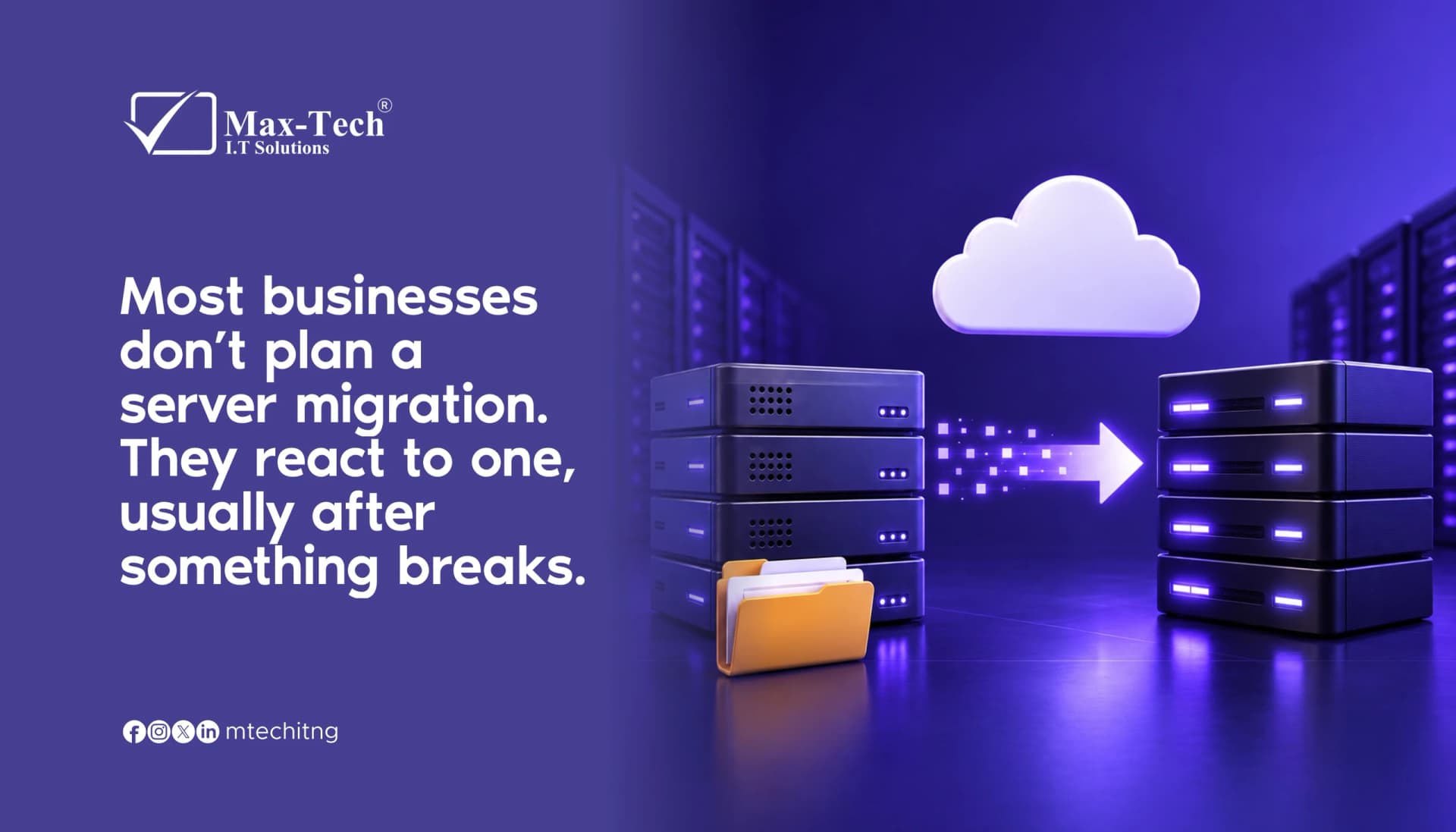

Most businesses treat server migration as something to do “later.” Later usually arrives as a crash, a security scare, or a Monday morning when nobody can access their files. The good news is your server gives you warning signs first.
Here are five to watch for.
1. Your server is slowing down
Files open slowly, apps lag, and your team keeps waiting. Small delays add up to lost hours every week, and they usually mean your server is struggling to keep up.
2. Crashes and downtime are becoming regular
One crash can be a fluke. Repeated ones are a pattern. Every outage costs you productivity, and possibly customers.
3. The hardware or operating system is outdated
When your system stops receiving security updates or vendor support, it becomes an open door for threats. Running on unsupported technology is a risk you don’t need to carry.
4. You’re running out of storage or capacity
If you’re constantly deleting files to make room, or your setup can’t handle your current workload, your business has outgrown your server.
5. Maintenance and repair costs keep climbing
When you spend more on patching an old server than it would cost to upgrade, you’re paying for the past instead of investing in the future.
What to do next
If you recognize two or more of these signs, start planning your migration now. A planned move means less downtime, safer data, and no panic. Ask your IT provider about the rollback plan, expected downtime, and how your data and backups will be verified.
Ready to migrate without the stress? Contact Max-Tech I.T Solutions and let’s plan it together.