
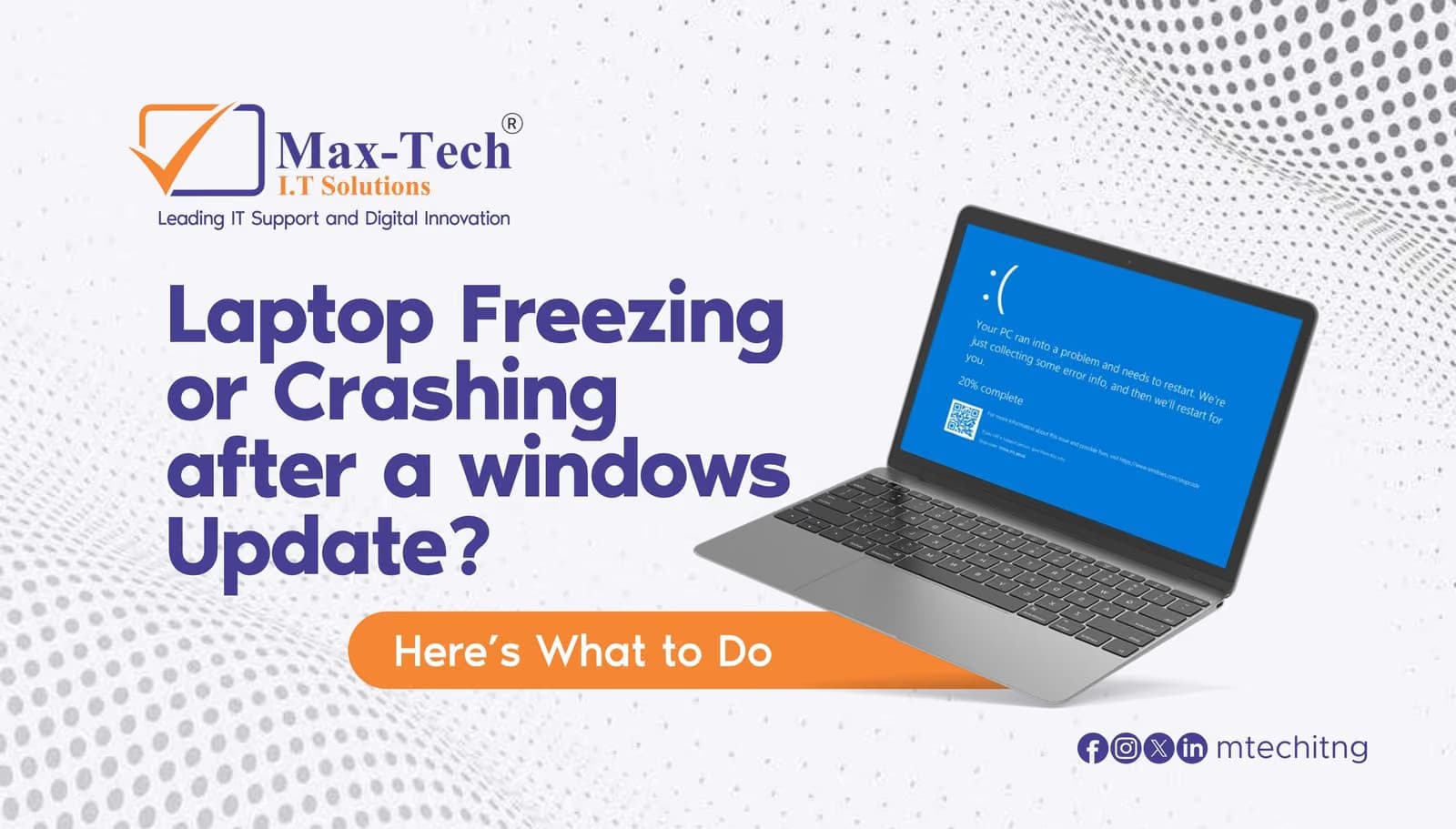

- Constant freezing
- Random restarts
- Slow performance
- Apps not responding
- Blue screen errors
Quick Fixes to Try
.
1. Restart Your Laptop
A proper restart may complete pending updates and fix temporary issues.
2. Uninstall the Recent Update
Go to:
Settings → Windows Update → Update History → Uninstall Updates
Remove the latest update and restart the laptop.
3. Update Drivers
Update your graphics, Wi-Fi, and chipset drivers from the manufacturer’s website.
4. Run System Repair
Open Command Prompt as Administrator and run:
sfc /scannow
Still Having Problems?
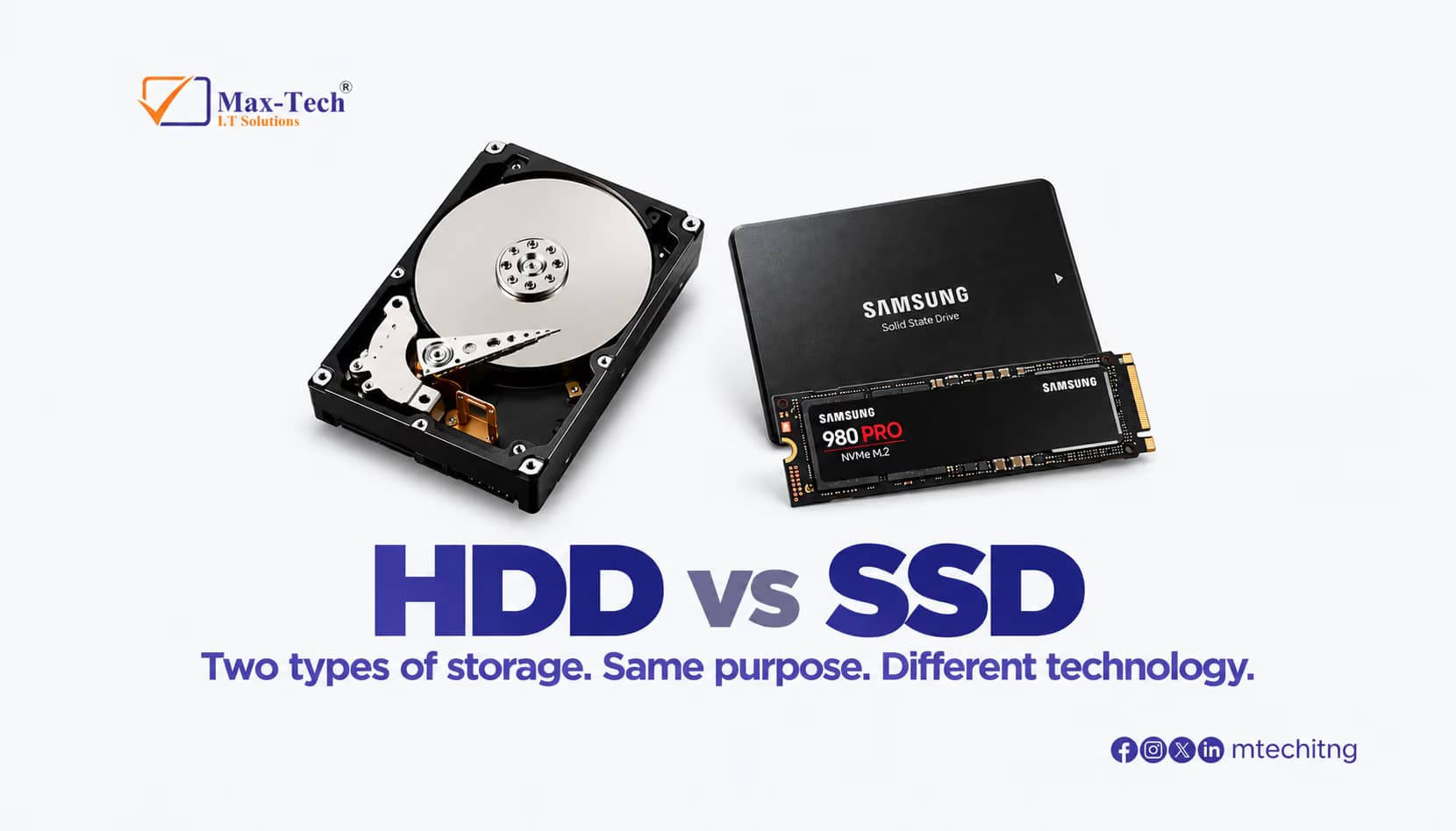
If your laptop continues freezing or crashing, the issue could involve the SSD, RAM, overheating, or other hardware-related faults.
Max-Tech I.T Solutions provides professional laptop diagnosis, Windows troubleshooting, upgrades, and repair services.
Contact us:
📍 18, Oba Yekini Elegushi Rd, Ikate Elegushi, Lekki, Lagos, Nigeria.
📞 +234 903 050-5693, +234 907 878-5108
Contact us for professional assistance and reliable repair support.