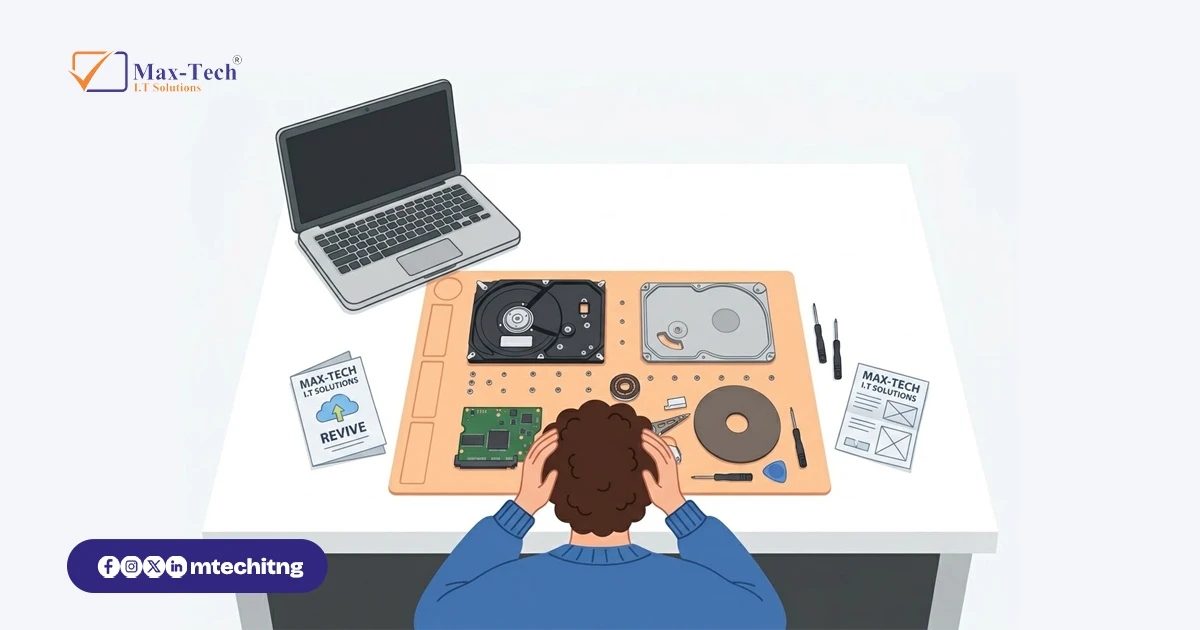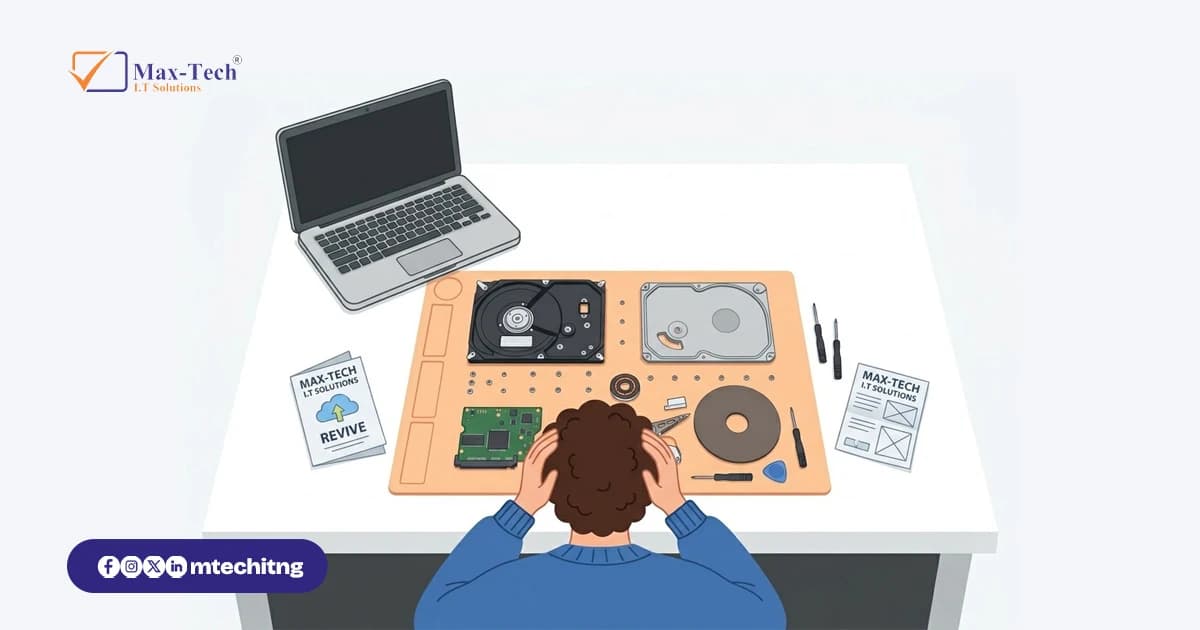

You press the power button. Instead of the usual start-up sound, you hear a soft click, or nothing at all.
Your stomach drops, because everything is on that drive: school projects, client files, family photos, business records.
So, can a dead hard drive actually be brought back to life? Often, the drive itself may not come back, but the data on it can. The answer depends on why it failed and what you do next.
What does “dead” actually mean?
When people say a drive is dead, they usually mean one of two things.
Logical failure. The drive is physically fine, but the data is damaged or hidden. This covers accidentally deleted files, a formatted drive, a corrupted file system, or a drive that suddenly shows as “RAW” or asks you to format it. These cases are often the most recoverable.
Physical failure. Something inside the drive has failed. Typical signs include clicking or grinding sounds, a drive that doesn’t spin up, a drive that disappears from your computer, or one that overheats quickly. These cases are more delicate and usually need specialist handling.
A solid-state drive (SSD) fails differently from a traditional hard drive (HDD). SSDs have no moving parts, so there’s no clicking. When one fails, it often just stops being detected. Recovery is possible in some cases, but deleted data on an SSD can be harder to get back, so acting quickly matters even more.
What to do in the first few minutes
Stop using the device. Switch it off. Every extra minute of use can overwrite data or worsen physical damage.
Don’t keep restarting it. Repeated attempts put more strain on a failing drive.
Don’t format it. If you’re asked to format a drive, say no.
Don’t install recovery software on the same drive. It can overwrite the very files you want back.
Note what happened. Sounds, error messages, a recent power cut or a drop. These details help a technician assess the problem faster.
Get it assessed. A professional can tell you whether recovery is realistic before you spend more.
Common myths to avoid
“Deleted means gone.” Not always. Deleted files often remain until something overwrites them.
“Put it in the freezer.” This old trick does not fix a drive, and condensation can cause more damage.
“Opening the drive to check inside.” Hard drives are sealed for a reason. Opening one outside a clean environment can destroy the data for good.
Can every drive be recovered?
No, and any honest technician will tell you that. Severe physical damage, heavy overwriting, or long delays can make recovery impossible. That’s why a proper assessment comes first: it shows what’s realistic before you commit.
The best recovery is the one you never need
Backups are the real safety net. A simple rule many IT professionals follow is 3-2-1: keep three copies of your data, on two different types of storage, with one copy stored off-site or in the cloud. Then check once in a while that you can actually open your backups.
Need help with a drive?
If you have a laptop, external drive or flash drive that has stopped working, send Max-Tech I.T Solutions a message with the device type and what happened. Our team will tell you what’s possible before you commit to anything.