
This article compares popular hosting control panels based on cost, effectiveness, usefulness, and ideal use cases.
Webuzo
- Best for: Small VPS, developers, startups
- Cost: Free & low-cost paid plans
- Pros: Lightweight, fast, one-click app installs
- Cons: Limited multi-user support
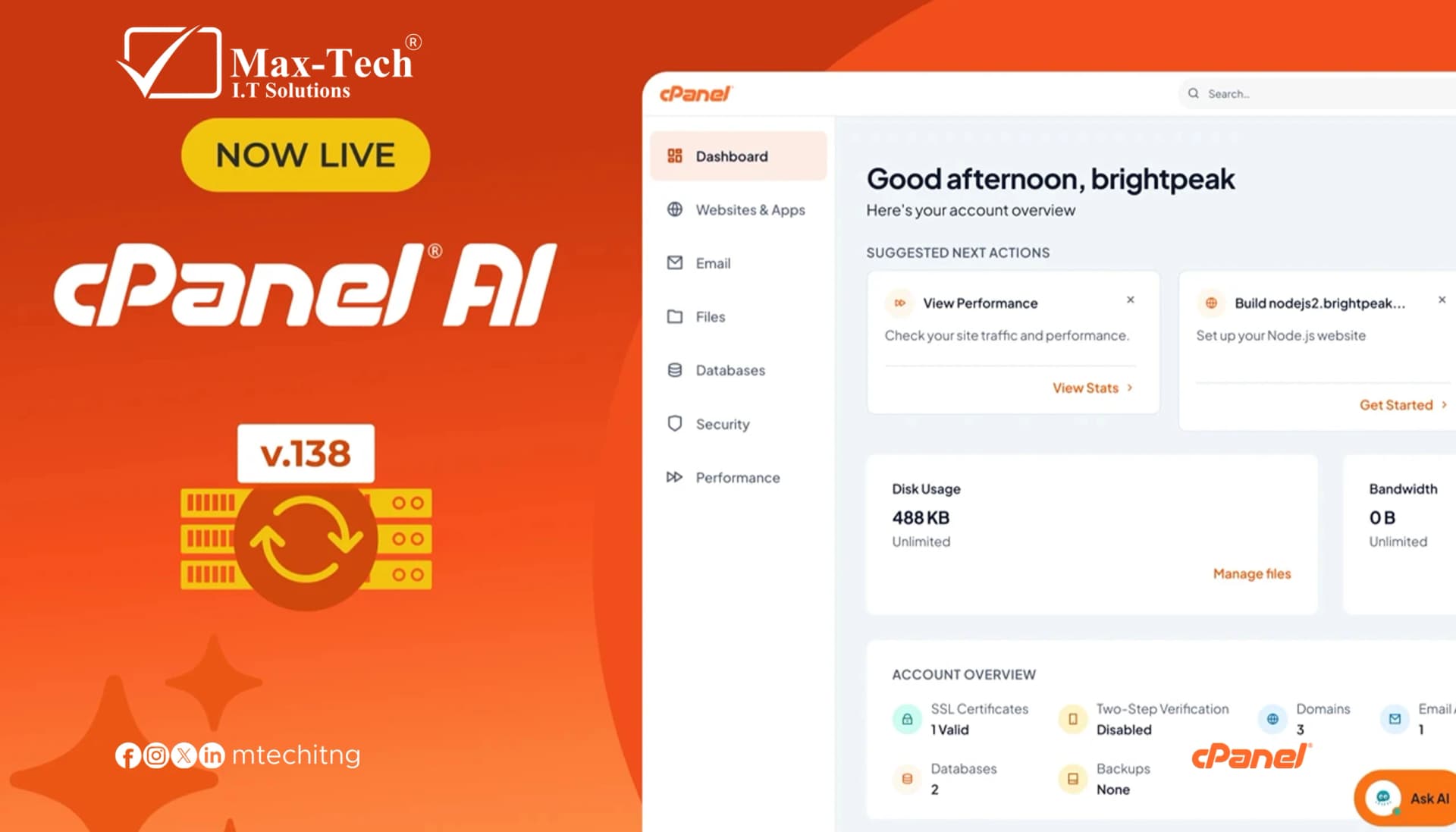
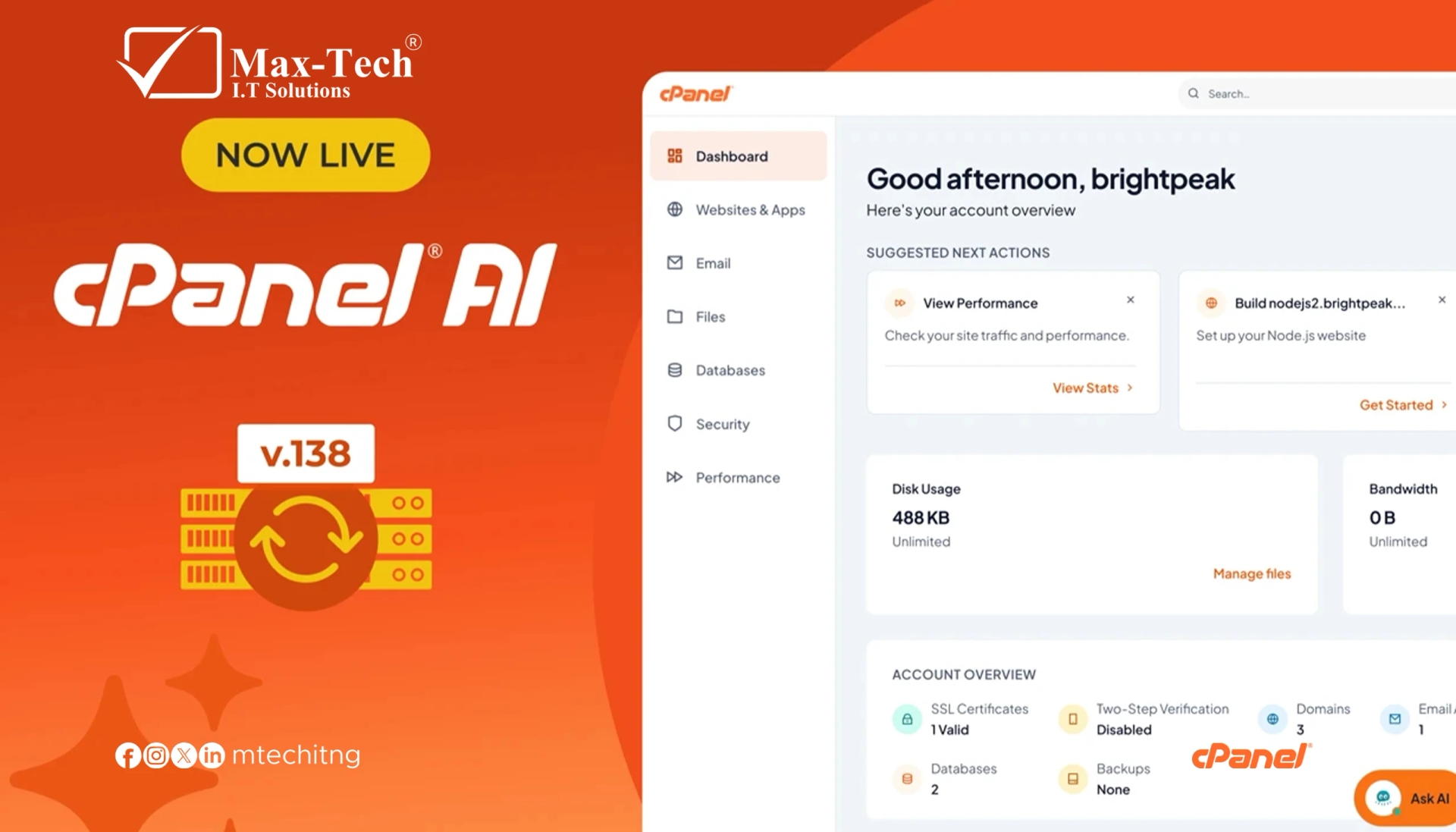
cPanel
- Best for: Shared & reseller hosting
- Cost: Paid (per-account licensing)
- Pros: Highly stable, WHM support, large ecosystem
- Cons: Higher cost, heavier resource usage
Plesk
- Best for: Windows servers, agencies, WordPress
- Cost: Paid (extensions may add cost)
- Pros: Modern UI, Git & Docker support, strong security
- Cons: Some paid add-ons, learning curve
DirectAdmin
- Best for: Budget VPS & dedicated servers
- Cost: Low-cost license
- Pros: Fast, lightweight, simple management
- Cons: Less modern interface, fewer plugins
Dokploy
- Best for: SaaS & DevOps teams
- Cost: Free, open-source
- Pros: Docker-focused, CI/CD friendly, scalable
- Cons: Not for shared hosting, technical setup required
Quick Recommendations
- Budget VPS: Webuzo
- Shared hosting: cPanel
- Windows & WordPress: Plesk
- Low-cost commercial hosting: DirectAdmin
- Modern app deployment: Dokploy
About Max-Tech I.T Solutions
Max-tech I.T Solutions delivers:
- Hosting control panel setup
- VPS & dedicated server management
- Security hardening
- Application deployment & optimization