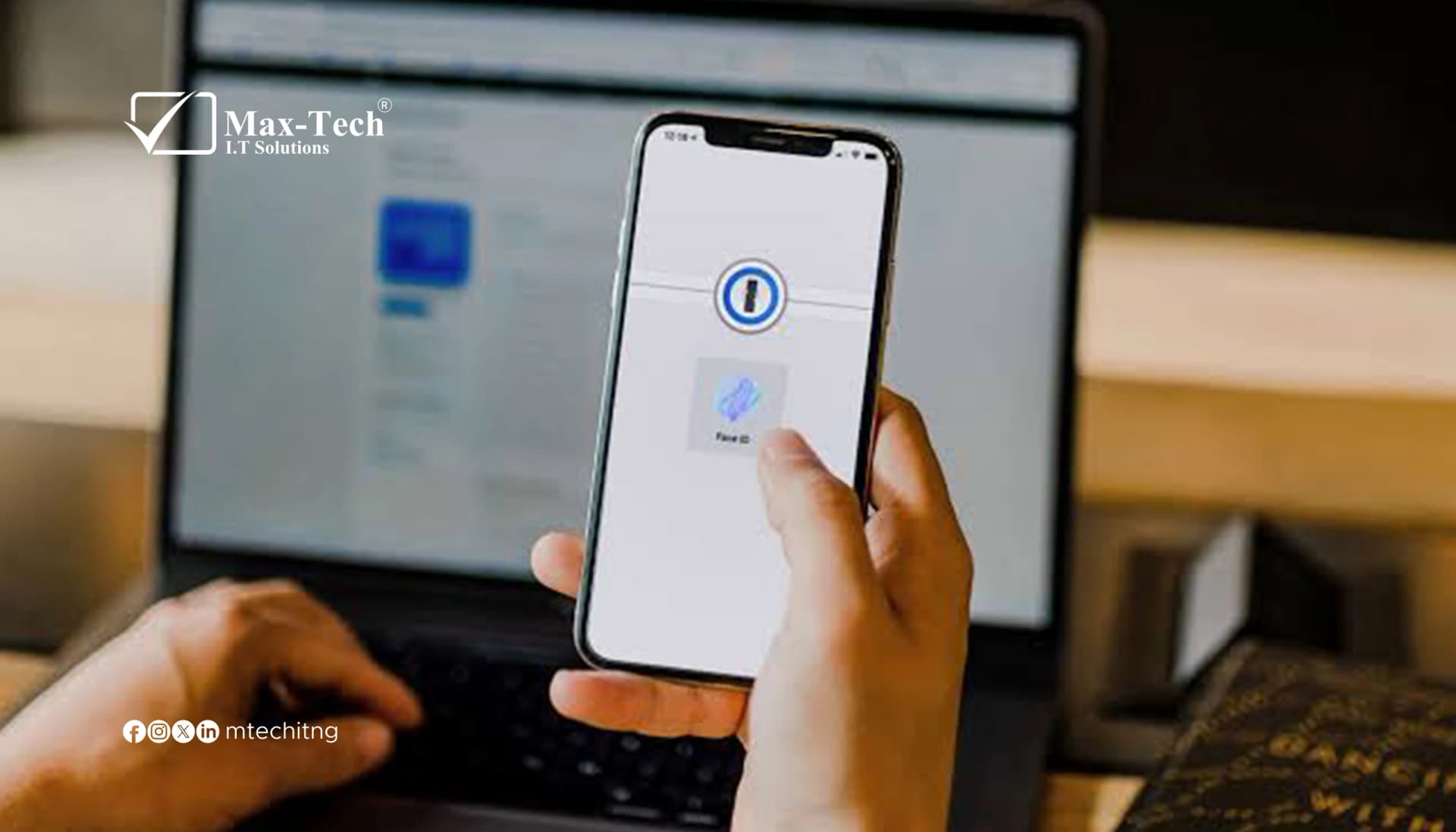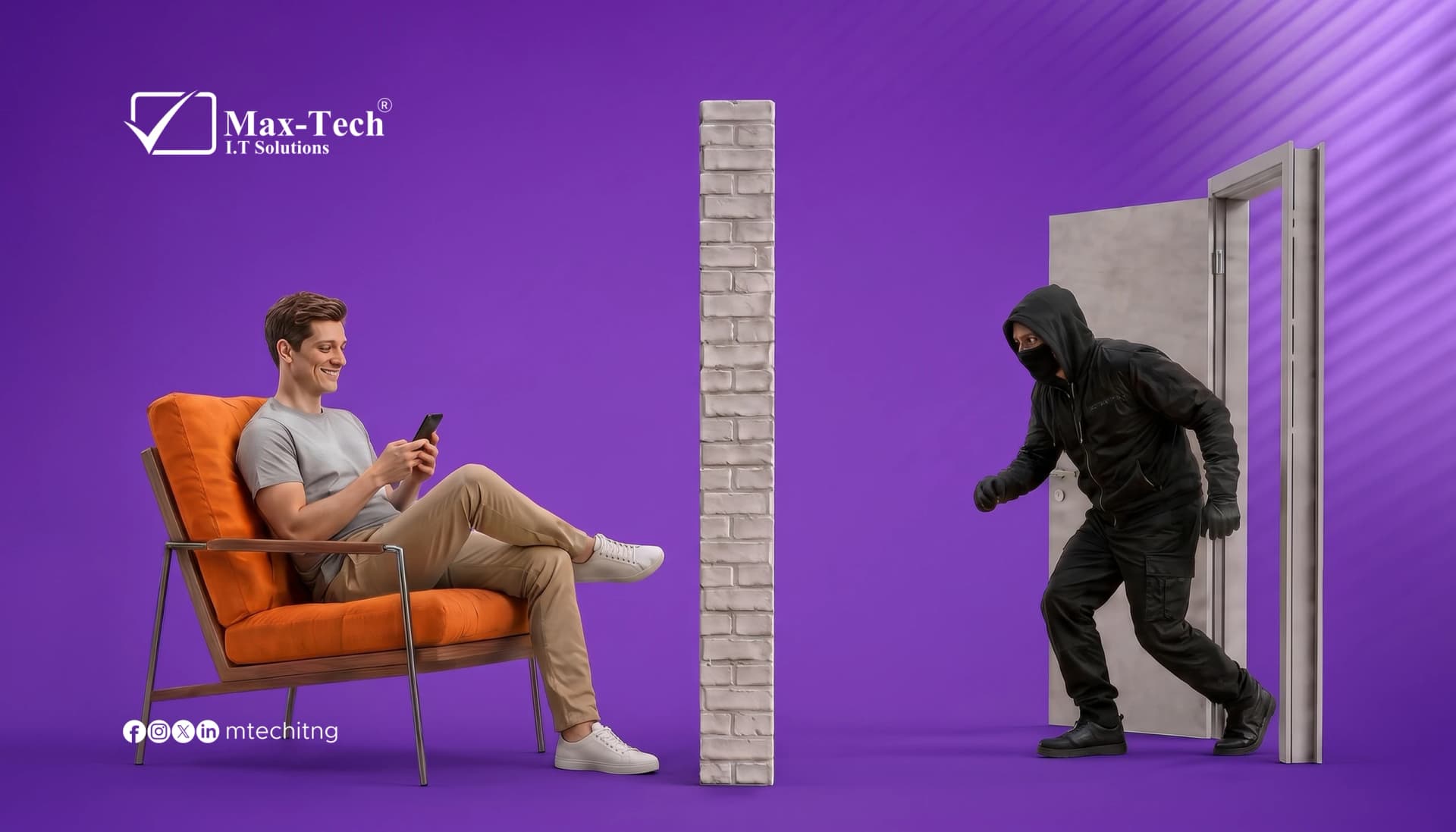

Passwords leak every day through data breaches and fake login pages. If yours does, the only thing standing between a stranger and your account is a second lock.
That second lock is two-factor authentication (2FA).
What is 2FA?
Logging in takes two things: something you know (your password) and something you have (a code from an app on your phone). A thief with only your password gets nowhere.
Step 1: Install an authenticator app
Download Google Authenticator, Microsoft Authenticator, or Authy from your app store.
Step 2: Set up 2FA on Instagram
1. Open Instagram and go to your profile
2. Tap the menu, then Accounts Center
3. Tap Password and security
4. Tap Two-factor authentication
5. Choose the account you want to protect
6. Select Authentication app
7. Scan the QR code (or copy the setup key) into your authenticator app
8. Enter the 6-digit code to confirm
9. Save your backup codes somewhere safe
Step 3: Repeat on your other accounts
- Facebook: Accounts Center → Password and security → Two-factor authentication
- LinkedIn: Settings & Privacy → Sign in & security → Two-step verification
- X: Settings and privacy → Security and account access → Security → Two-factor authentication
- Google: Google Account → Security → 2-Step Verification
Want to go even stronger?
Security keys and passkeys are the top tier for high-risk accounts like your email and business tools.
Mistakes to avoid
- Skipping your backup codes
- Sharing a code with anyone claiming to be “support”
- Switching phones before moving your authenticator app over
The bottom line
Two minutes per account can save you weeks of recovery. Start with your email, then your socials.
Ready? Pick one account, set up 2FA right now, and share this post with someone who needs it.