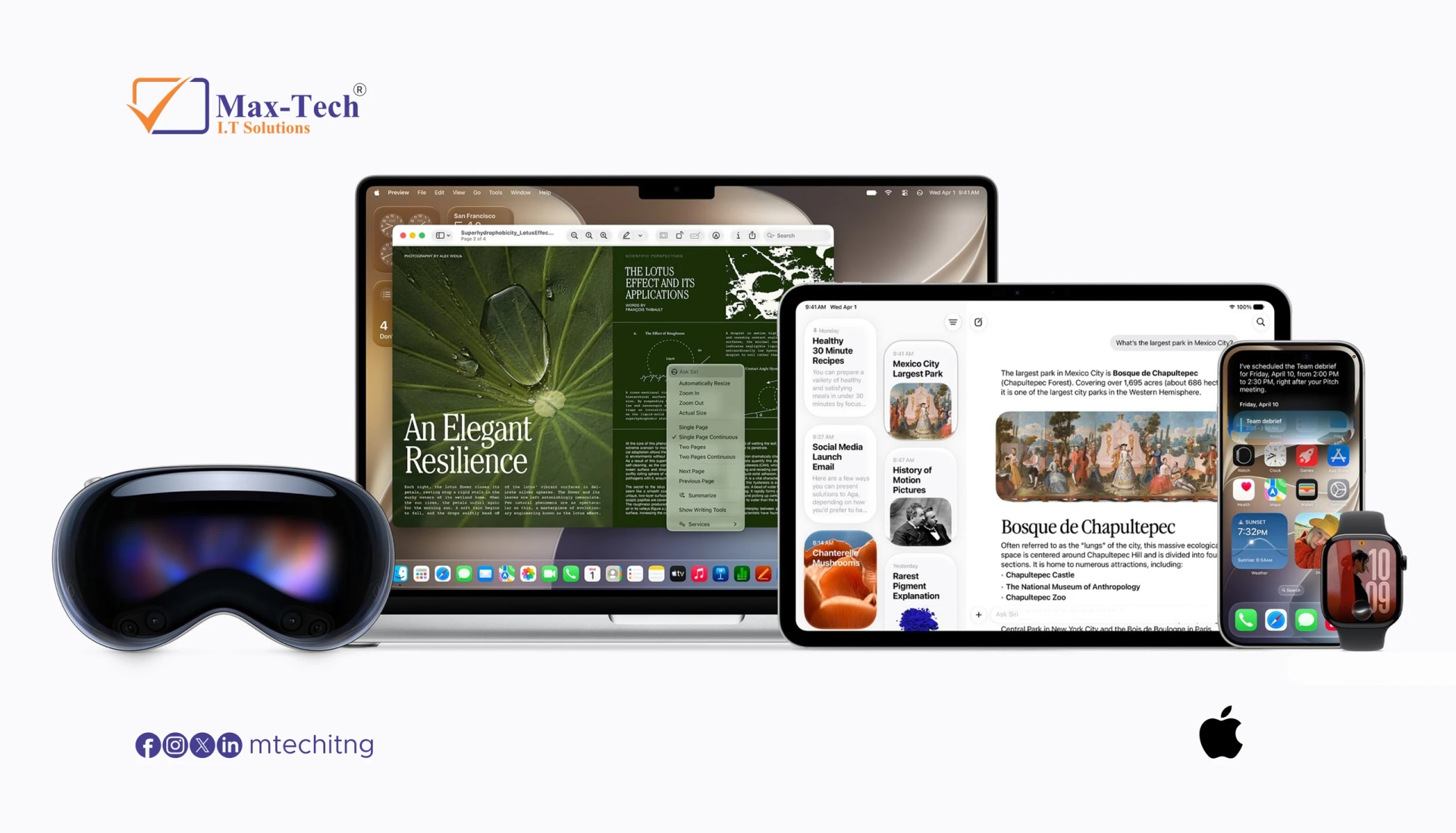

ChatGPT now supports Apple's iCloud Mail and Calendar services, allowing users to connect their accounts and manage everyday communication and scheduling directly through AI.
Announced on October 27, 2026, the new integrations allow ChatGPT to search emails, summarise inbox activity, check schedules, and update calendar events. The feature is available across all ChatGPT plans on the web, desktop app, and iOS.
Connect Your iCloud Mail to ChatGPT
With the new iCloud Mail integration, users can ask ChatGPT to find specific emails, review conversations, catch up on their inbox, manage drafts, and send messages.
Instead of manually searching through hundreds of emails, users can make natural-language requests such as:
- Find the latest email from a particular contact.
- Summarise recent conversations.
- Locate an important booking or confirmation.
- Help draft a reply to an email.
- Send an email after reviewing the draft.
The integration supports Apple's iCloud email addresses ending in @icloud.com, @me.com, and @mac.com.
Manage Your Calendar Through ChatGPT
The iCloud Calendar integration allows ChatGPT to read schedules, check upcoming appointments, create events, and update existing calendar entries.
For example, users can ask ChatGPT to identify available time slots, check for scheduling conflicts, or move an appointment.
When combined with email access, ChatGPT can also use information from a booking confirmation to help organize a calendar event.
This makes the integration useful for people who regularly coordinate meetings, appointments, and personal schedules.
How to Connect iCloud Mail and Calendar
Users can connect the two services separately through ChatGPT's Plugins settings.
The general setup process is:
- Open ChatGPT and navigate to Settings.
- Open Plugins and find iCloud Mail or iCloud Calendar.
- Select the service you want to connect.
- Follow the connection instructions.
- Create an Apple app-specific password for the relevant service when prompted.
- Complete the connection and review the permissions.
Apple requires two-factor authentication to generate app-specific passwords. Never enter your normal Apple Account password into a third-party connection form or directly into a ChatGPT conversation.
Availability and Compatibility
The iCloud integrations are available on all ChatGPT plans, including Free, across:
- ChatGPT on the web.
- ChatGPT desktop application.
- ChatGPT for iOS.
There are some important limitations. ChatGPT accesses iCloud Mail, not every account configured in Apple's Mail application. For example, Gmail and Outlook accounts added to the iPhone Mail app are not automatically included.
Mail and Calendar must also be connected separately.
Privacy and Account Security
Connecting personal email and calendar information to an AI assistant requires careful consideration.
Users should review the requested permissions and understand how connected-app information is handled under their ChatGPT data controls and privacy settings.
For personal Free, Go, Plus, and Pro accounts, information accessed through connected apps may be used to improve OpenAI's models if the relevant model-improvement setting is enabled. Users who do not want this should review their Data Controls settings before connecting.
App-specific passwords can also be revoked through Apple Account security settings. Disconnecting an integration in ChatGPT does not necessarily revoke the password at Apple, so users should remove it from their Apple Account when they no longer need the connection.
What This Means for Everyday Productivity
The addition of iCloud Mail and Calendar expands ChatGPT's ability to work with personal information and everyday tasks.
Users can bring together email searches, appointment scheduling, and calendar management without constantly switching between applications. For professionals, freelancers, and businesses that rely on iCloud, these integrations could make routine communication and scheduling more convenient.
Final Thoughts
ChatGPT's new iCloud Mail and Calendar support is a useful addition for people who rely on Apple's ecosystem. By connecting email and calendar information, ChatGPT can help users find important messages, organise appointments, and manage everyday tasks through natural-language requests.
As AI assistants become more integrated with personal productivity tools, privacy, permissions, and account security will remain important considerations.