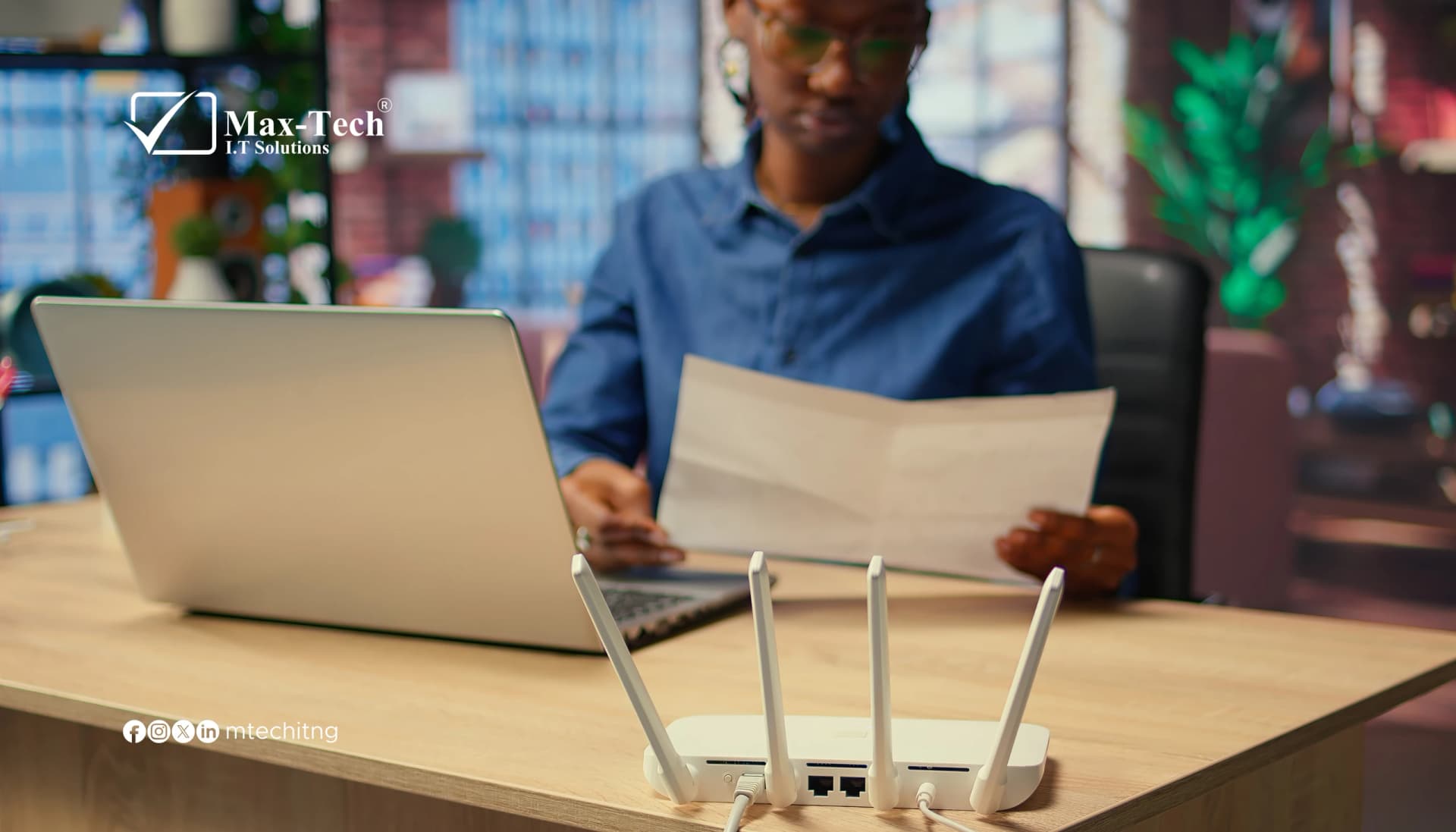

Your home router connects your devices to the internet, but the connection can also expose information about your network.
Whenever you visit a website, the service can generally see the public IP address from which your connection originates. That address can be used with IP geolocation databases to estimate your location, sometimes identifying your country, internet provider or approximate city.
This information may seem harmless, but when combined with other publicly available details, it can contribute to unwanted tracking, profiling or attempts to identify someone.
How Your Internet Connection Can Reveal Your Location
Your router receives or uses a public-facing IP address assigned by your internet service provider. When devices on your home network access websites, their traffic normally passes through the router using that internet connection.
Websites and online services can record the public IP address associated with a visit. IP geolocation services then use databases to estimate where that address is registered or being used.
However, there is an important distinction: an IP address does not normally reveal your precise residential address. Accuracy varies between databases and internet providers. Some estimates identify only a country or city, while others may provide a broader neighbourhood-level estimate.
Why This Can Become a Privacy Concern
An approximate location may become more revealing when combined with other information, including:
- Public social media posts and location tags.
- Personal details shared across websites.
- Information exposed through data breaches.
- Tracking links that record visitors' IP addresses.
- Other online activity that connects accounts and identities.
Someone attempting to identify or harass an individual may combine these details to build a more complete picture of their online identity and possible location.
How to Reduce Your Exposure
You cannot completely prevent websites from seeing the network address used to connect to them, but you can take practical steps to reduce exposure.
1. Use a reputable VPN
A Virtual Private Network routes your internet traffic through a VPN server. Websites will generally see the VPN server's public IP address instead of your home connection's public IP address.
Choose a reputable provider, understand its privacy policy and check that the VPN is working correctly. A VPN does not make you completely anonymous.
2. Secure Your Router's Administrator Account
Change the default administrator username and password where supported. Use a strong, unique password that is different from your Wi-Fi password.
3. Disable Remote Management
Turn off remote administration if you do not need to manage your router from outside your home or office network. If remote access is essential, restrict it to trusted connections.
4. Update Your Router's Firmware
Install firmware updates provided by your router manufacturer or internet service provider. Updates can fix security vulnerabilities that attackers may otherwise exploit.
5. Use Strong Wi-Fi Encryption
Use WPA2-AES or WPA3 where supported. Set a strong Wi-Fi password and disable outdated or unnecessary security options.
6. Review Connected Devices
Check your router's connected-device list periodically. Investigate devices you do not recognize and change your Wi-Fi password if you suspect unauthorized access.
7. Review Your Router's DNS Settings
Check that your router is using DNS servers you recognize and trust. Unexpected DNS changes can redirect devices to malicious websites or interfere with normal browsing.
Remember: A VPN and Router Security Solve Different Problems
A VPN can reduce the amount of location information websites obtain from your normal public IP address. Router security controls help prevent outsiders from accessing or manipulating your network equipment.
Neither measure replaces the other. A VPN cannot repair a compromised router, and a secure router does not prevent every website from seeing your public IP address.
Protect Your Network Before Problems Occur
Your router is an important part of your digital security. Keeping its firmware updated, changing default credentials, disabling unnecessary remote access and reviewing connected devices can help protect your home or business network.
At Max-Tech I.T Solutions, we encourage individuals and businesses to take network security seriously. A secure internet connection begins with properly configured equipment and consistent security practices.
Take a moment to review your router settings. Your network deserves the same attention as the devices connected to it.