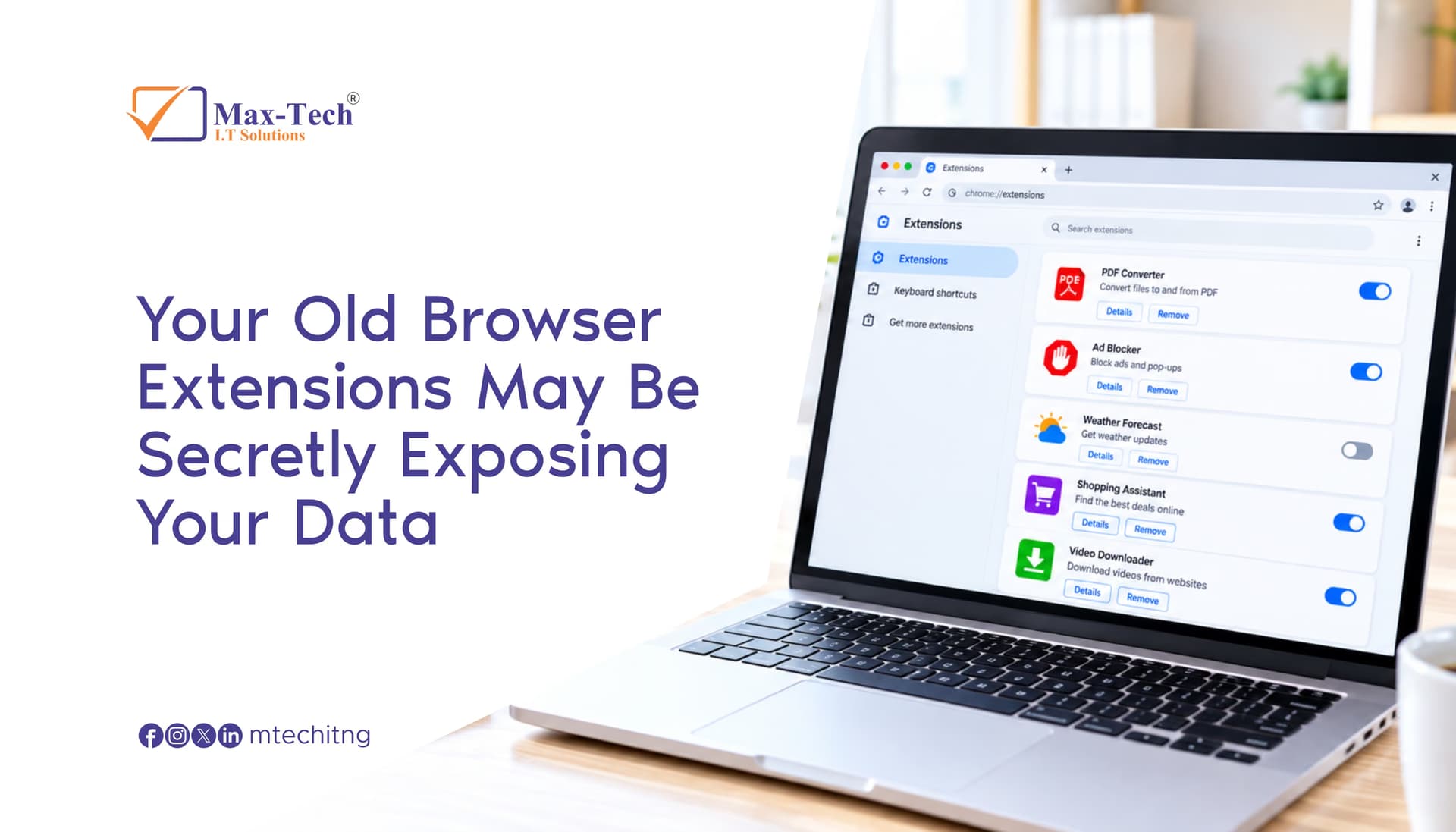

Browser extensions can make your everyday online activities easier, from blocking ads and managing passwords to improving productivity. But an extension you installed months or years ago may no longer be safe.
Extensions can have access to information on the websites you visit, depending on their permissions. If an extension is abandoned, compromised, changes ownership, or receives a malicious update, it could potentially expose sensitive information.
Why Old Extensions Can Be Risky
An extension may become a security risk when:
- It is no longer maintained.
- Its ownership changes.
- It receives suspicious updates.
- Its permissions become broader.
- It is removed from an official browser store.
- You simply no longer need it.
Before keeping an extension, ask yourself:
- Do I still use it, and do I still trust it?
Check Your Browser Extensions
Take a few minutes to review your installed extensions.
Remove anything you:
- Don't recognize
- No longer use
- Don't trust
- Don't understand the permissions
Also keep your browser updated and avoid installing extensions from unofficial sources.
Your Browser Is Part of Your Security
Cybersecurity isn't just about antivirus software and strong passwords. The extensions running inside your browser can also affect your security.
Review your extensions today. If you don't need one, remove it.
A simple cleanup can help reduce unnecessary security risks.